SQL variables
Contents
SQL variables enable you to dynamically set values in your queries.
Creating SQL variables
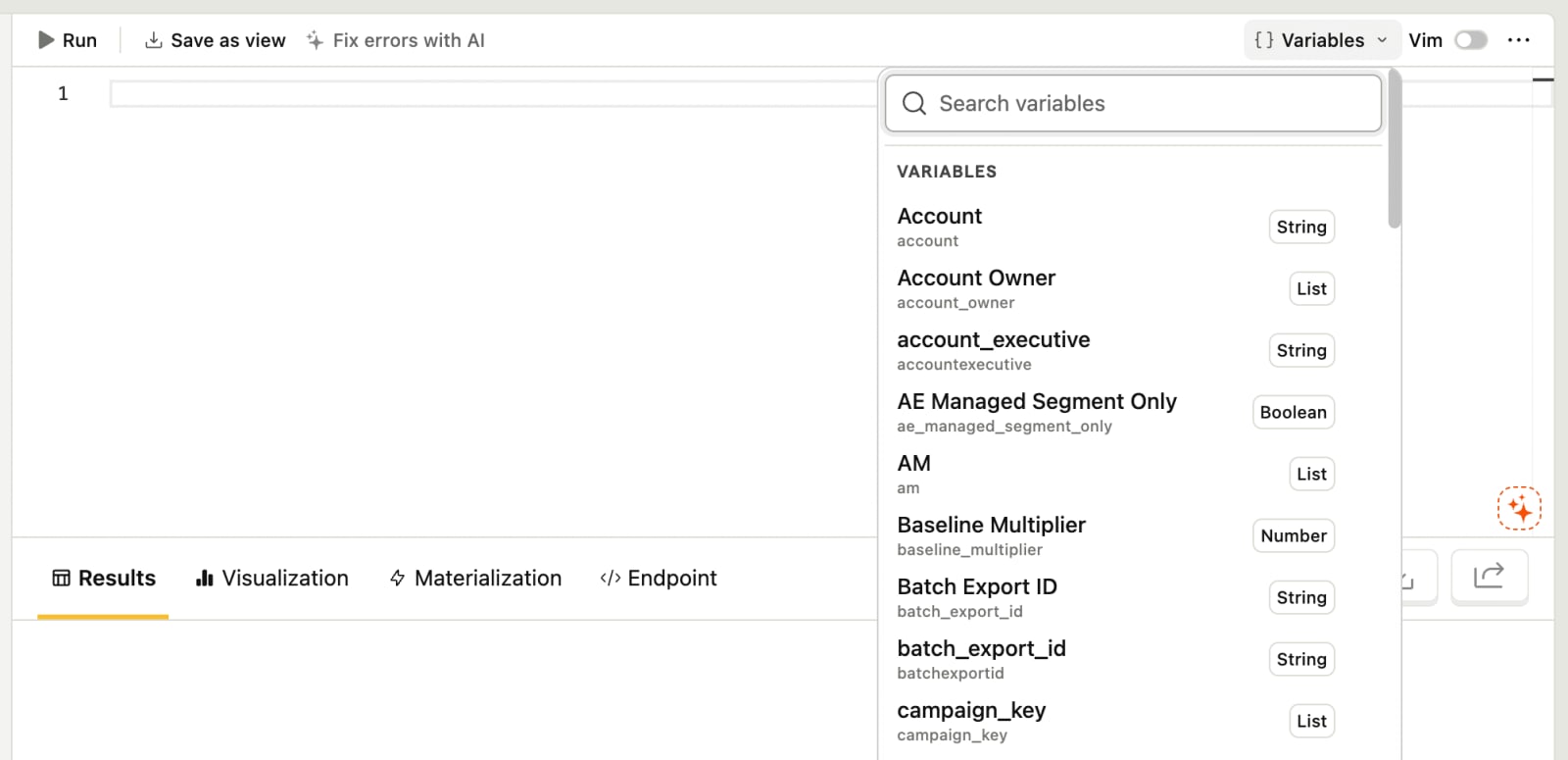
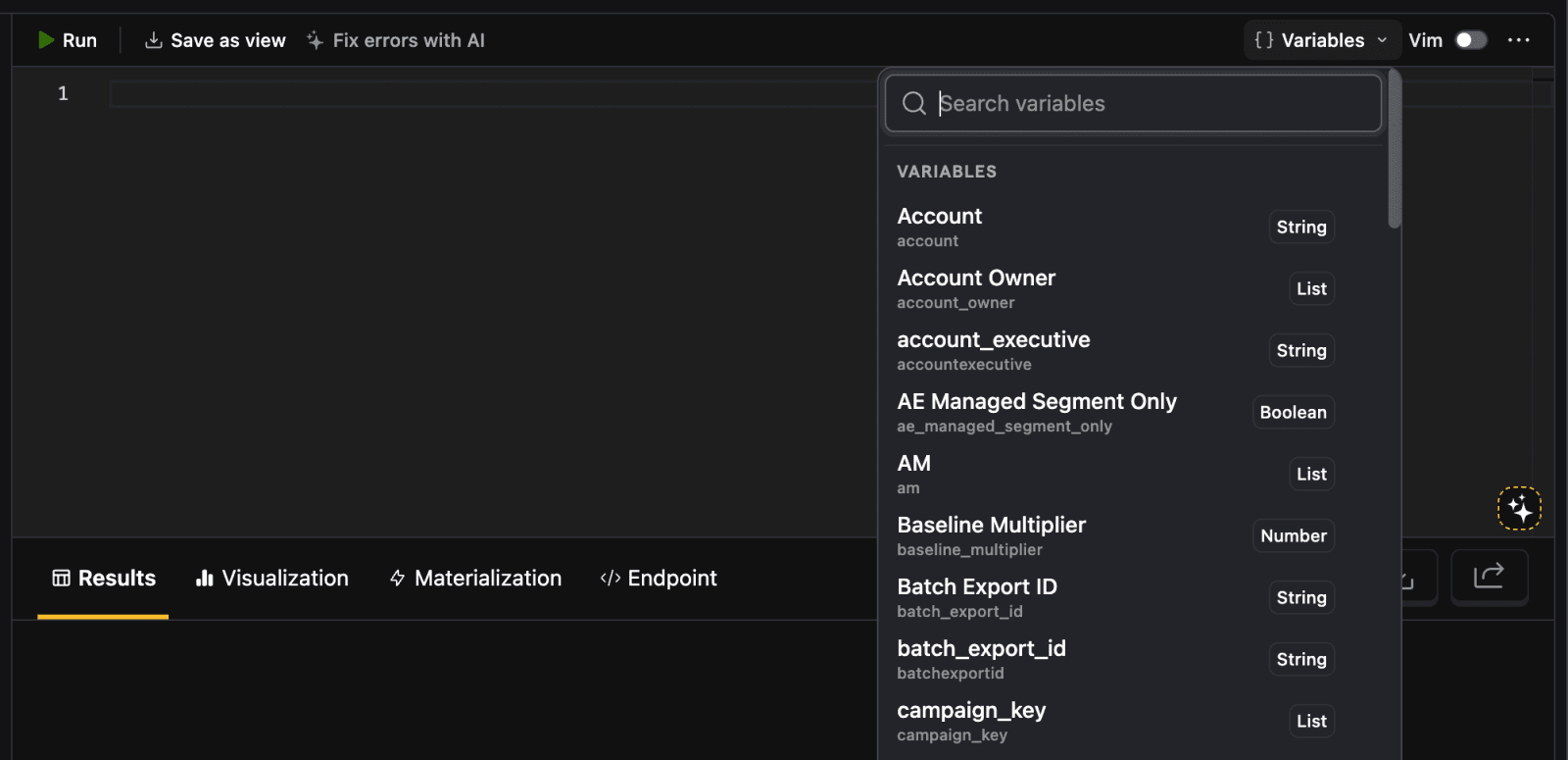
To create a variable, go to the SQL editor and click the Variables button in the top right toolbar. Start typing in your variable name, if it doesn't exist already, select New variable and create it. The variable is now available in any of your project's queries.
For example, you can create a List type variable with the code name event_names and add events like $pageview and $autocapture as values.
Using variables in SQL queries
Once created, variables can be used in queries with the {variables.<variable-name>} syntax like this:
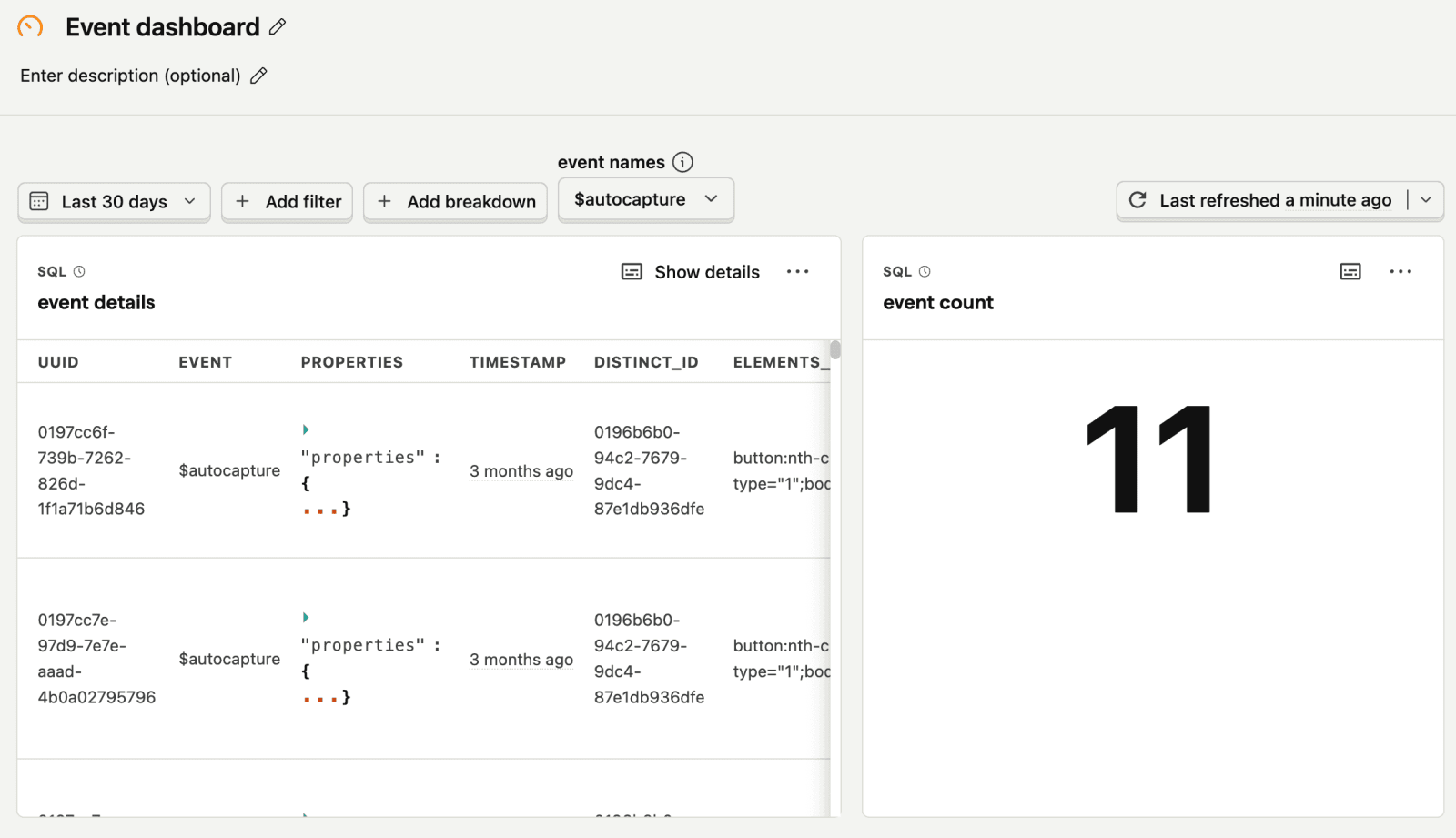
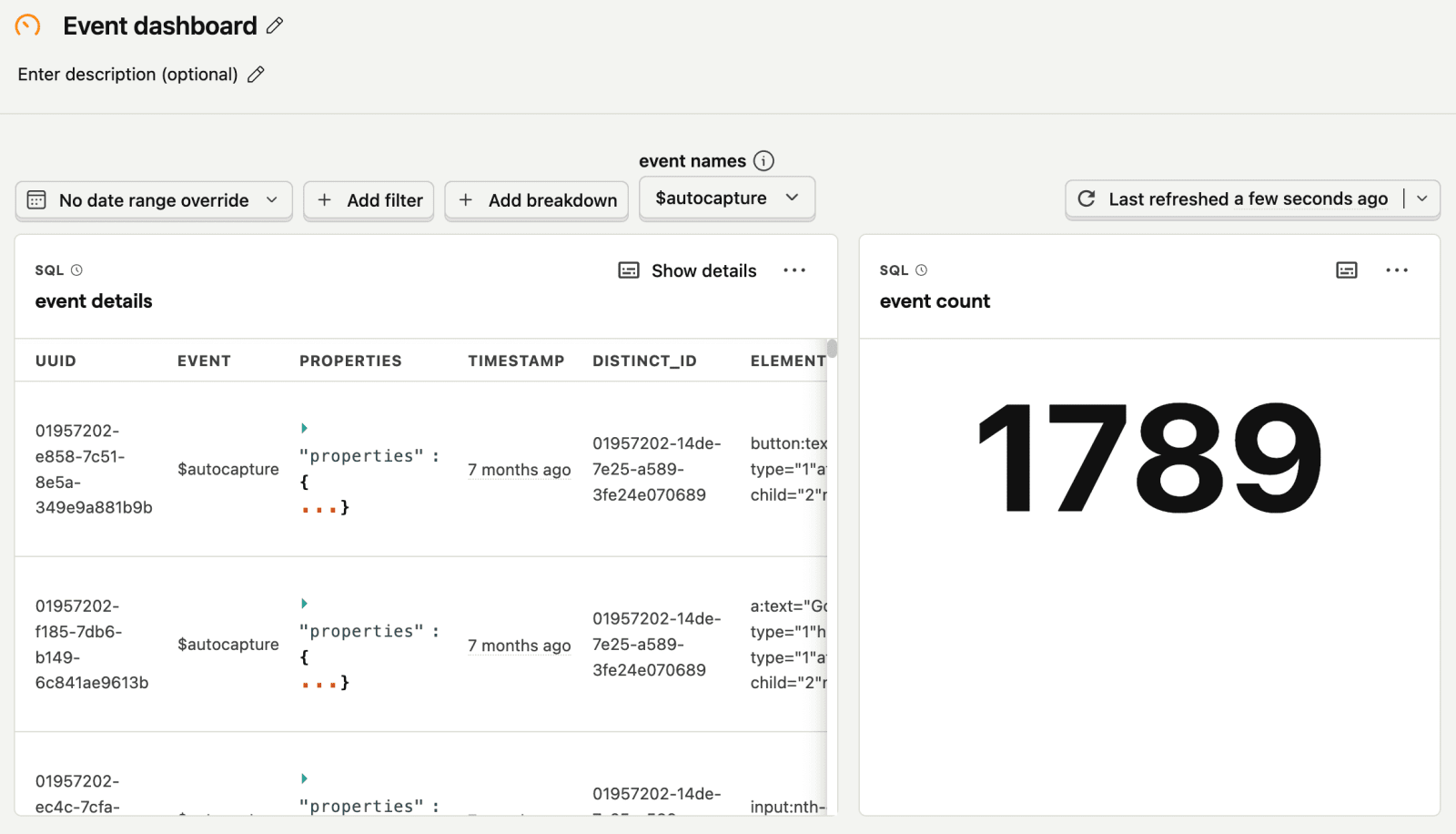
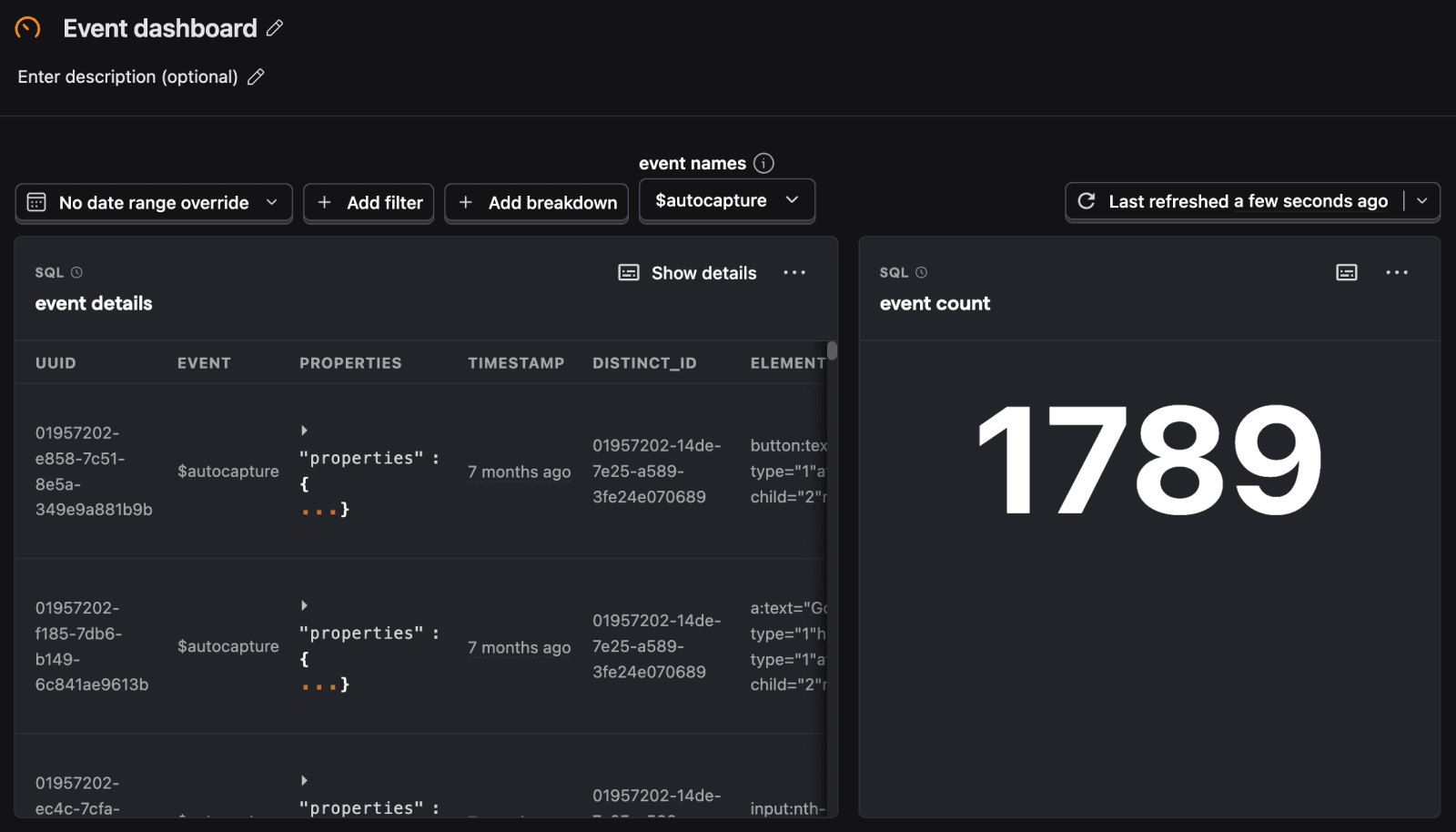
You can set the value for the variable in the Variables dropdown. For example, below we set the "event names" variable to $autocapture on a dashboard. This means every instance of {variables.event_names} in the queries on the dashboard is replaced with $autocapture.
Dashboard date range filter variables
Beyond the SQL variables you set up, you can access the dashboard's date range filters through the filters.dateRange.from and filters.dateRange.to variables like this: